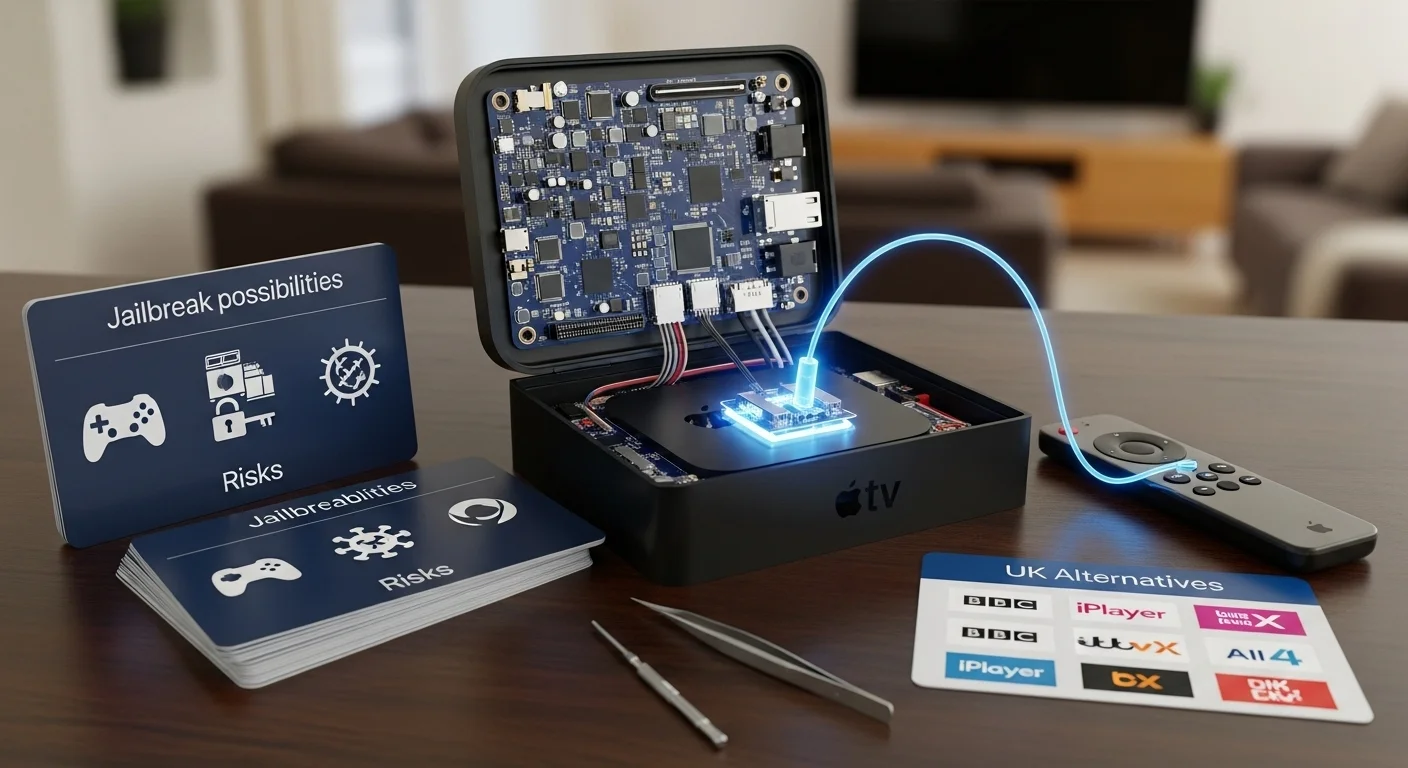
How Do You Jailbreak Apple TV? What’s Possible, Risks & UK Alternatives
People search for “how do you jailbreak Apple TV” with a few key goals. They want to install third-party apps not in the official App Store, unlock hidden features, and access a wider range of movies and shows. It’s important to set clear expectations right away. Jailbreaking an Apple TV is very limited and difficult. Unlike other devices, your success depends almost entirely on which model you have and what version of its software (tvOS) it runs. This guide explains the realistic situation for UK users. We’ll cover what jailbreaking actually means, the legal facts, which models might work, and the much safer and more practical alternatives you should consider instead.

With over a decade of experience in streaming technology, IPTV apps, and Amazon Fire TV devices, James specializes in Firestick jailbreaking, app installation, and cord-cutting solutions for users in the UK.
 Add as a preferred source on Google
How to Get Sky Glass Playlist on Firestick (Free & Jailbreak Methods)
Sky Glass is a premium UK-based streaming service offering live TV, sports, movies, and exclusive Sky channels. While a paid subscription is required for official access, many users look for ways to watch Sky Glass on Firestick for free using jailbreak methods. Below, we explore safe (and legal) alternatives to enjoy Sky Glass content without a subscription.
Get Free Sky Glass
What Is Apple TV Jailbreaking?
Jailbreaking an Apple TV means finding a way to bypass Apple’s strict software locks. Normally, you can only download apps from Apple’s own App Store. Apple checks and approves every app there. Jailbreaking finds a weakness in the TV’s operating system. It uses this weakness to give you “root access” or full control. This lets you install apps from anywhere on the internet, just like on a computer. You can also change system settings that Apple usually hides.
It’s crucial to know the difference between jailbreaking and other methods. Sideloading is different. It means installing a single app file without using the App Store, often using an Apple Developer account. It’s less invasive. Using a third-party streaming device (like a Fire Stick) is a different approach entirely—you just plug in a new gadget. Jailbreaking is the most complex and risky of these options. Apple designed the Apple TV to be a closed system, much more restricted than an Android-based Fire TV or Google TV device.
MUST-DO Before You Jailbreak Firestick
Before you Jailbreak Firestick, complete these 3 safety checks:
- Enable Unknown Sources
- Go to: Settings > My Fire TV > Developer Options
- Turn ON “Apps from Unknown Sources”
Go into Settings Option

Then Click on Developer Options

Then Click on install unknown Apps

Turn ON “Apps from Unknown Sources”

Click your device name 7 times

Is Jailbreaking Apple TV Legal in the UK?
In the United Kingdom, the technical act of modifying a device you own is generally not illegal. However, there is a massive and very important difference between jailbreaking and piracy.
Jailbreaking is the act of unlocking the device’s software.
Piracy is using that unlocked device to stream copyrighted movies, sports, or TV shows without permission or payment. Piracy is illegal under UK copyright law.
While the unlock itself might be a grey area, it definitely voids your Apple warranty. If your Apple TV breaks and Apple discovers it was jailbroken, they will refuse to repair or replace it. It also breaks Apple’s Terms of Service. The main risk for UK users isn’t jailbreaking itself, but what you choose to do with the jailbroken device afterwards. Always stay on the right side of copyright law.
Apple TV Jailbreak Compatibility
Your chances of jailbreaking depend completely on your Apple TV model. Here is a simple breakdown:
Apple TV 1st Generation: This very old model can be fully jailbroken. It runs a different software base, and hackers found ways in years ago.
Apple TV 2nd Generation: This is the most “jailbreakable” model. Famous tools like “Seas0nPass” were made for it. It uses older software with known security holes.
Apple TV 3rd Generation: This model is much harder. There are no reliable, full public jailbreaks for it. Most methods are fake or incredibly complex.
Apple TV HD (4th Gen) & Apple TV 4K (All Gens): This is the reality check. For these modern devices, there are no public, working jailbreaks. Apple made the software (tvOS) much more secure. They patch any security holes quickly with updates. If you have an Apple TV bought in the last 5-7 years, a jailbreak is not a realistic option. The tvOS version is also critical. Even an old Apple TV 2 cannot be jailbroken if you’ve updated it to a very recent tvOS version.
Jailbreaking Apple TV on New tvOS Versions
The simple answer is: you almost certainly cannot. Apple releases regular tvOS updates. These updates add new features, but they also patch security holes. When hackers find a weakness that could be used for a jailbreak, Apple fixes it in the next update.
This is a constant battle, and for modern Apple TVs, Apple has been winning for years. There have been no significant public jailbreaks for the Apple TV HD or 4K models. You might read about “tethered” jailbreaks. A tethered jailbreak is temporary. If you restart the device, you lose the jailbreak and have to reconnect it to a computer. These are not practical for everyday use. Any website offering a “one-click jailbreak” for a new Apple TV 4K is almost certainly a scam.
Jailbreaking vs Sideloading – What’s the Difference?
Since a full jailbreak is so hard, many people look at sideloading instead.
Jailbreaking gives you complete control over the device’s operating system. You can install anything and change how the system works.
Sideloading is simpler. It means installing a single app file (like a .ipa file) onto your Apple TV without using the App Store. To do this legally, you usually need a free or paid Apple Developer Account. You use a program on your Mac or PC called Xcode to “sign” the app and send it to your Apple TV. The app will work for a limited time (often 7 days) before you need to re-sign it.
Sideloading is a much more realistic goal for UK users. For example, you could sideload a specific media player app. It does not require finding a non-existent jailbreak. However, it is more technical than just downloading from the App Store, and you are still limited to what Apple’s developer system allows.
Risks of Jailbreaking Apple TV
If you attempt to jailbreak an older, compatible Apple TV, you should understand the serious risks.
You will void your warranty. Apple will not help you if anything goes wrong.
You could “brick” your device. A mistake during the jailbreak could permanently damage the software, turning your Apple TV into an expensive paperweight.
Security and privacy risks. Jailbreaking removes Apple’s security layers. A malicious app could access your personal data or your home network.
Updates will break everything. If you install an Apple software update, it will remove the jailbreak and could leave your device in an unusable state.
App instability. Unofficial apps might crash or behave unpredictably.
Jailbreaking an Apple TV is generally considered riskier than jailbreaking an iPhone because recovery options are more limited.
What You Can Do Without Jailbreaking Apple TV
You can still do many useful things without any risky hacking.
You can explore the official App Store. It has thousands of apps, including many UK catch-up services like BBC iPlayer and ITVX.
You can use AirPlay to screen mirror from your iPhone, iPad, or Mac. This lets you watch content from websites or apps that don’t have a dedicated Apple TV app.
You can set up a media server like Plex on a computer to stream your personal movie and music collection to the Apple TV.
You can subscribe to legal IPTV apps like TVPlayer or use Sky’s services via NOW TV. These offer live TV through official, paid subscriptions.
The key is to accept the Apple TV’s design. It is a high-quality, secure device for official apps and services, not an open platform for unlimited tinkering.
Best Alternatives to Jailbreaking Apple TV
For UK users who want more freedom, the best solution is to use a different streaming device. This is cheaper, safer, and easier than any hack.
Amazon Fire TV Stick is the top alternative. It’s affordable, available everywhere in the UK, and runs Android. You can easily enable “Unknown Sources” to install a huge range of apps completely legally. It gives you the open access most people are looking for.
Android TV / Google TV devices, like the Google Chromecast or an Nvidia Shield TV, offer similar open access through the Google Play Store.
Roku Streaming Sticks have a massive channel store with thousands of free and paid options, all above board.
If you like the Apple ecosystem but want more apps, consider upgrading to an Apple TV HD or 4K. These have a full App Store, though it’s still more curated than Android’s.
Using an external device means you get the app freedom you want without risking your Apple TV. You can always switch back to the Apple TV for its other benefits.
Common Apple TV Jailbreak Myths
Myth: “All Apple TVs can be jailbroken.”
Truth: Only very old models (1st and 2nd gen) can be. Modern ones cannot.
Myth: “Jailbreaking unlocks free movies and sports channels.”
Truth: It unlocks the ability to install apps. Those apps might then provide illegal streams, which is piracy.
Myth: “Changing DNS settings is a jailbreak.”
Truth: It is not. It just redirects video feeds. It doesn’t let you install apps or modify the system.
Myth: “It’s safe and easy with no downsides.”
Truth: It carries a high risk of breaking your device and voiding your warranty, especially on newer models.
Frequently Asked Questions
How do you jailbreak Apple TV safely?
For an old Apple TV 2nd Gen, you can find tools like Seas0nPass. For any modern Apple TV (HD or 4K), there is no safe or public method. Do not trust websites offering “one-click jailbreaks.”
Can Apple TV 4K be jailbroken?
No. The Apple TV 4K (any generation) cannot be jailbroken with any current public method. Its software is too secure.
Is jailbreaking Apple TV legal in the UK?
The technical act is likely legal but voids your warranty. Using it for piracy (streaming copyrighted content illegally) is against UK law.
Does jailbreaking Apple TV give free channels?
No. Jailbreaking itself does not give you anything. It only lets you install apps. Some of those apps might offer pirated streams, which is illegal.
What’s the best alternative to jailbreaking Apple TV?
Buying an Amazon Fire TV Stick. It is affordable, available everywhere in the UK, and lets you install a wide range of apps without any complex or risky hacking.
Conclusion
The idea of easily jailbreaking a modern Apple TV to unlock endless free content is not realistic. For the vast majority of UK users with an Apple TV HD or 4K, a full jailbreak is impossible. The process is high-risk, technically complex, and only viable on very old hardware. Instead of risking your device, choose a safer alternative. A simple Amazon Fire TV Stick offers the open app access most people want, legally and without any hassle. Enjoy great TV the safe and simple way.
Is Jailbreaking a Firestick Legal in the UK?
Many people in the UK ask whether jailbreaking a Firestick is legal or not. The short answer is: jailbreaking a Firestick itself is legal in the UK, but how you use it matters a lot.
When you jailbreak Firestick, you are only changing the device settings to allow third-party apps. This process does not break UK law on its own. Amazon Firestick devices are owned by the user, so changing settings for personal use is allowed.
However, problems start when a jailbroken device is used to watch paid TV channels, Sky content, movies, or sports for free without permission. This is illegal in the UK and goes against copyright laws. The law focuses more on what you watch, not just the jailbreaking step.
If you want a safe and detailed explanation, visit this guide on jailbreak firestick to understand what is allowed and what is risky. Many UK users jailbreak Firestick to install legal apps like Kodi for free content.
To stay on the safe side, always use legal apps and services after jailbreak firestick. For updated UK rules and beginner tips, this jailbreak firestick guide is a helpful resource.
Related Post:
- Unlock Endless Entertainment: A Complete Guide to Jailbreaking Sky Glass on Your Firestick in the UK
- Unlock Your Firestick: The Truth About Sky Glass Jailbreak APKs for UK Viewers
- Jailbreak Sky Glass on Firestick: The Ultimate UK Guide to Unlocking Your TV in 2025
- Sky Glass Jailbreak Firestick APK Latest Version: A UK User’s 2025 Guide to Safe & Informed Streaming
- Jailbreak Sky Glass on Firestick Free Download: The Ultimate 2024 Guide for UK Streamers